Sitbuster
Join the beta
Play it now, free.
You've read enough, and you'd like to see it on your own desk day. Good: it takes about two minutes.
Sitbuster is in beta. On iPhone it's on TestFlight, Apple's app for testing new apps. On Android it's an open test on Google Play. It's the real app, free, with no ads, and it can still change as we hear from you.
How to install
Two minutes, either phone.
iPhone
- Install TestFlight from the App Store. It's free, and made by Apple.
- On your iPhone, open the Sitbuster TestFlight link.
- Accept the invite in TestFlight, then install Sitbuster. It appears on your home screen like any app.
Android
- Open the open test page, signed in with the Google account you use on your phone.
- Join the test.
- Install Sitbuster from its Google Play listing.
Your first minutes
Start chapter 1.
You've installed it. Now what?
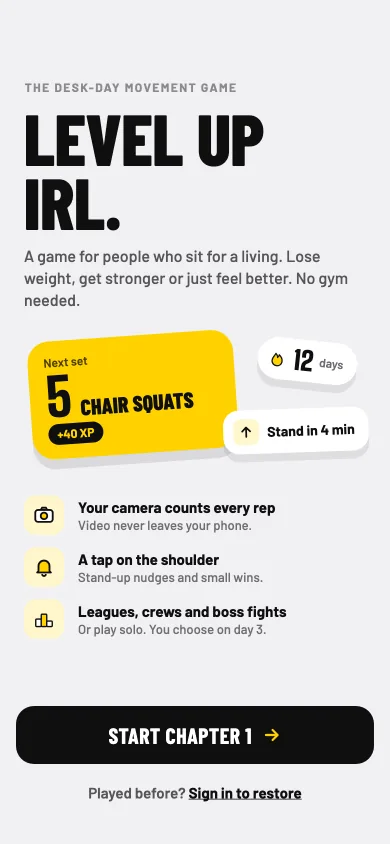
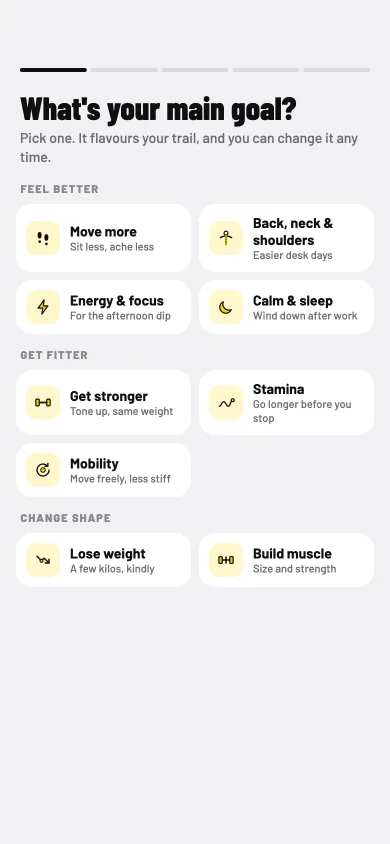
Pick your main goal, answer a short health check, and set up your nudges. Then lean your phone against something, step back, and do your first set.
No account is needed to start. Played before? Sign in to restore your progress.
A beta means things can still change. Tell us what works and what doesn't at contact@snnsystems.com.