Sitbuster

Health and faith stay on your phone, unless you say so
Some things are nobody's business but yours: how your knees feel this morning, or that you're fasting this month.
Two kinds of data never reach your account until you say yes to each, and you can take that yes back. The camera and your location never leave your phone at all.

Your health answers and steps
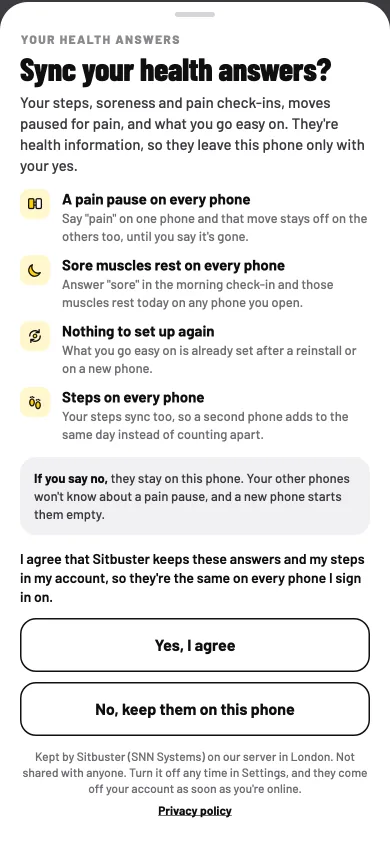
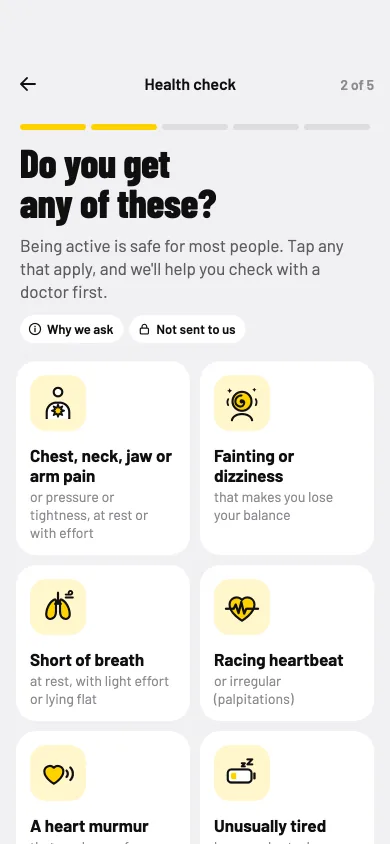
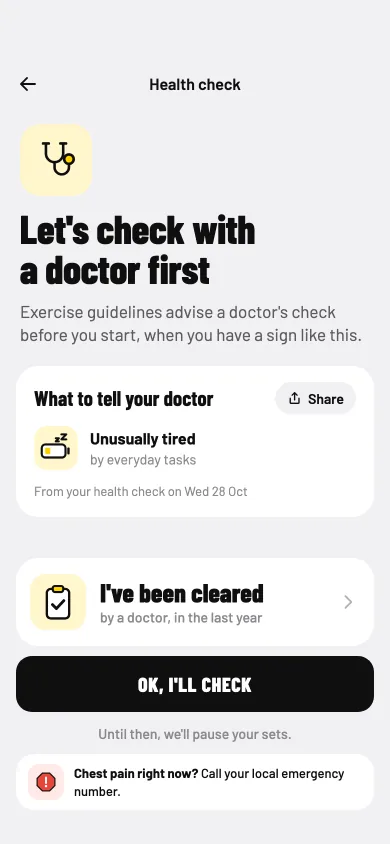
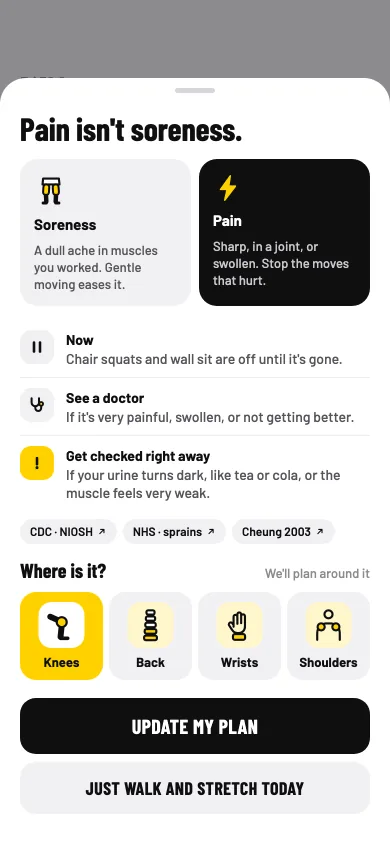
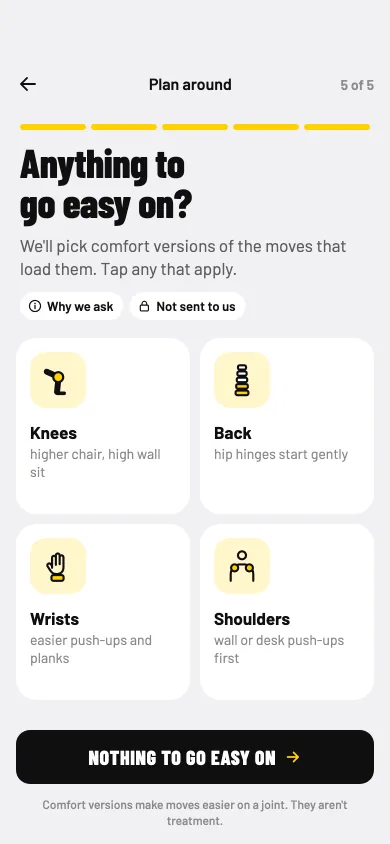
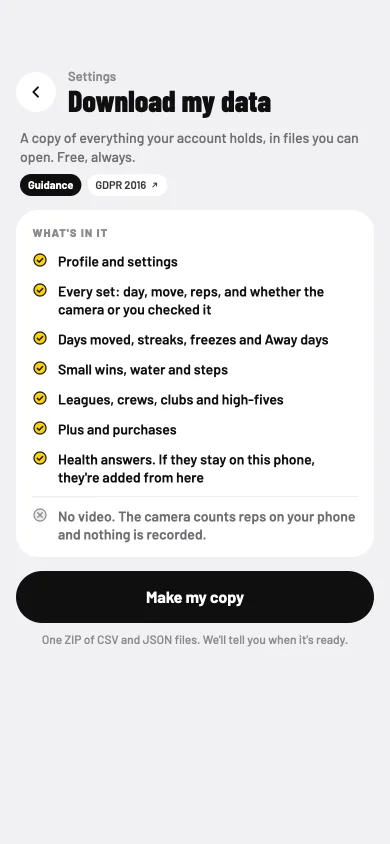
Your soreness and pain answers, the places you want to go easy on, any fluid limit and your step counts are health information. They go into your account only if you say yes to Sync health answers, when the app asks or later in Settings. Turn it off and they're removed from your account and stay on your phone.
Both buttons on the ask are the same size. After a No, we ask at most once every two weeks.

Your Ramadan settings
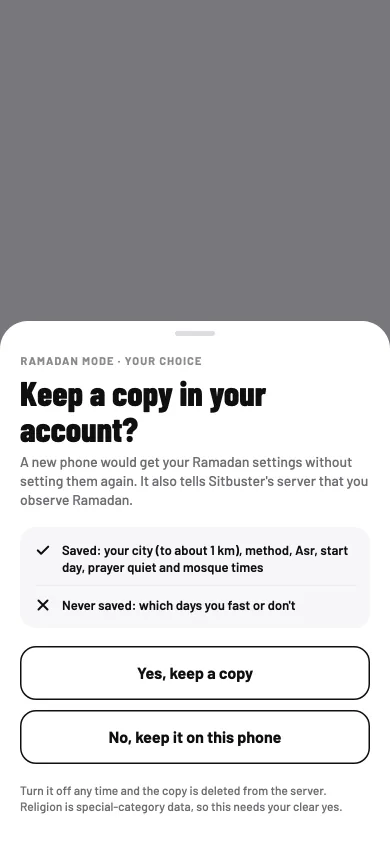
Ramadan mode shows your religion, so its settings, your city, how prayer times are worked out, quiet at prayer times, your mosque's times and days you're not fasting, go into your account only if you turn on Keep a copy in my account and say yes. Turn it off and they're removed from your account at the next sync.
Fasting never shows on your lock screen, in notifications or in anything you share.

The camera
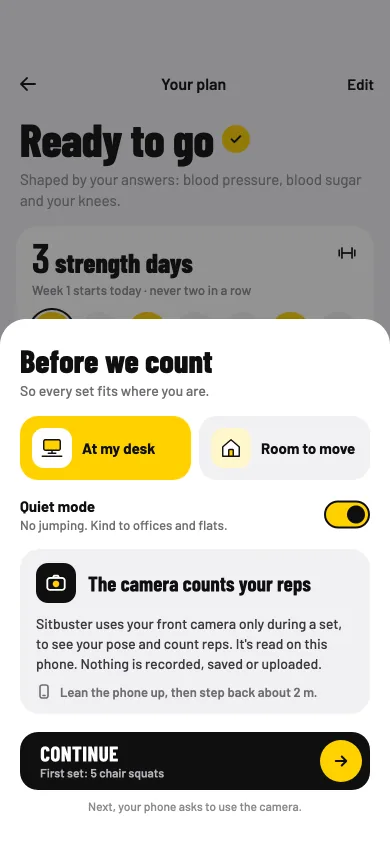
During a set, the app reads your body's position from the camera with pose detection that runs on the phone. Each frame is read in memory and dropped. Nothing is recorded, saved or uploaded.

Your location
Only if you tap "Use my location" while picking a city for Ramadan mode or prayer times, the app asks for your approximate location, finds the nearest town and saves it on the phone. Your location itself is not sent anywhere.